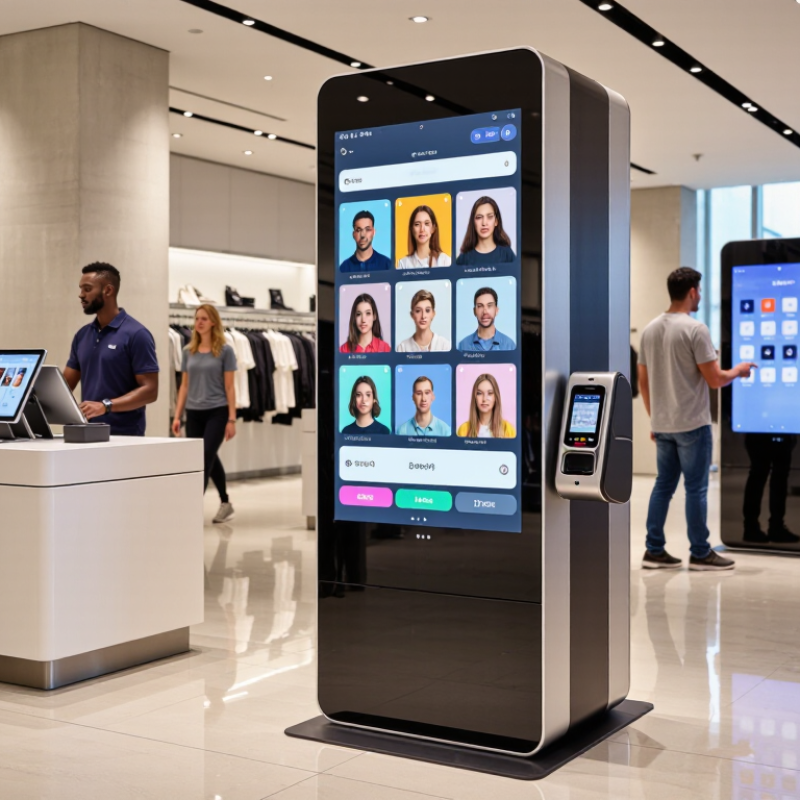
A retail kiosk is more than a bright touchscreen in a store. Its hardware must support constant public use, quick cleaning, and stable operation in different climates. A 24-inch commercial display, sealed enclosure, and responsive touch layer can reduce failed interactions. Brightness also matters near glass entrances. Reflections can make a clear interface frustrating.
The software turns physical equipment into a useful selling tool. It should guide shoppers through product search, stock checks, configuration, and secure payment steps. Large buttons help users wearing gloves. Clear language supports international buyers. The interface should also recover gracefully after an interrupted session. Small failures still happen. A frozen screen can damage trust quickly.
Connectivity links the kiosk with inventory, payment services, remote monitoring, and content systems. Wired networks usually provide predictable performance, while wireless connections offer easier placement. A practical deployment may use both, with automatic failover when available. Remote diagnostics can reveal a weak signal before staff notice it. However, connectivity is not magic. Poor network planning can make excellent hardware feel unreliable. During field testing, teams should measure response times, offline behavior, heat buildup, and cleaning resistance. I would also question whether every feature is necessary. More options can create more maintenance, not more value.