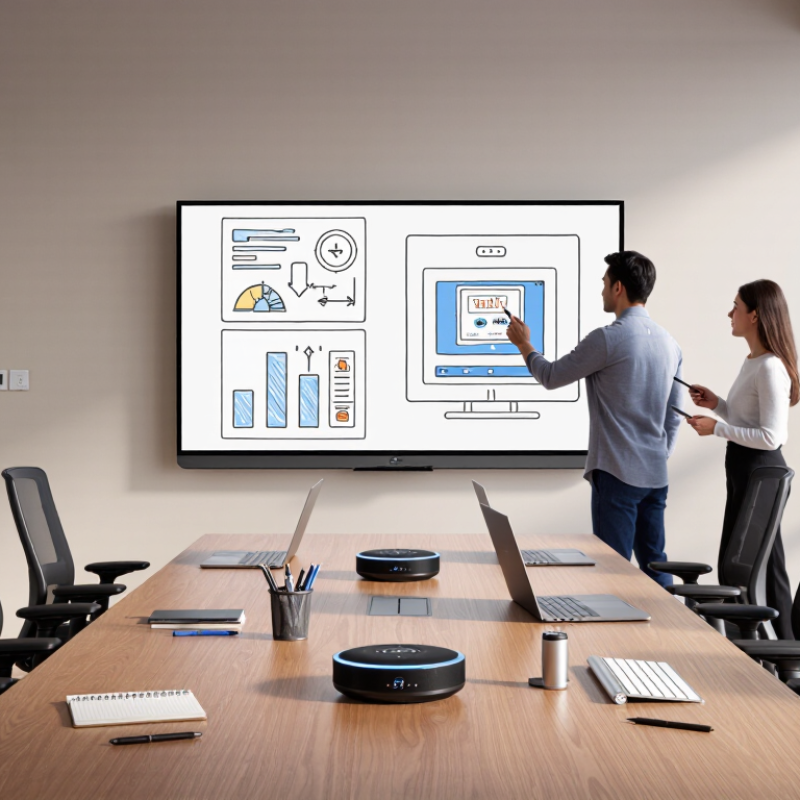
A smart whiteboard is only useful when people can start a meeting without wrestling with cables or settings. Before choosing one, check the room’s wall surface, power outlet, Wi-Fi strength, and viewing distance. A large display can look impressive, yet feel cramped when a table sits close to the wall. Ask who will install it, how long setup usually takes, and whether staff receive hands-on training. During a trial, test screen sharing from different devices and confirm that the board wakes quickly. Small details matter. A pilot may feel slow, but it often reveals assumptions that a product sheet cannot.
Tips: Confirm mounting requirements before delivery. Test guest access, user permissions, and sign-in steps with ordinary staff accounts. Write down who handles updates and troubleshooting, including response hours and expected repair timelines.
Security and ongoing support deserve the same attention as display quality. Look for configurable access controls, encrypted connections, and a clear process for removing former employees’ accounts. Ask how software updates are scheduled and whether administrators can review device activity. A secure setup still needs practical maintenance. For example, decide who checks updates, replaces worn cables, and reports recurring connection drops. Keep support contacts and basic instructions near the room, not buried in an inbox. I would not assume every team will read a long manual; a short checklist is more likely to be used. Make sure the support plan fits your workday, especially if meetings depend on the board each morning.