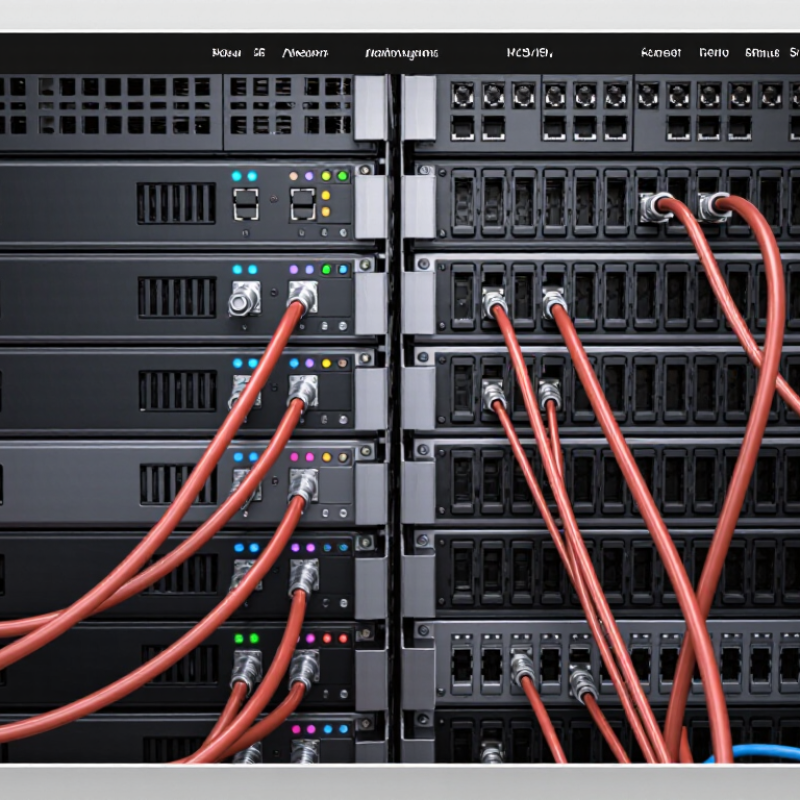
Before buying a passive DAC cable, check how each host identifies its modules. A cable may fit physically but still be rejected if its EEPROM coding does not match the switch or server’s compatibility requirements. Check both ends. Read the host documentation for supported coding, data rate, and port restrictions; do not rely on a seller’s broad “compatible” label alone. Firmware versions can matter, too.
Confirm the MSA form factor at both ports. SFP+, SFP28, QSFP+, and QSFP28 connectors may look related, but they are not interchangeable in every application. Match the cable’s connector type and supported speed to the exact port specifications. A port that accepts a certain module shape may still require a particular link mode or coding profile. Shape is not enough.
For a real deployment, verify the cable’s stated length and speed, then test it on the intended host before ordering a large quantity. Check link status and error counters under normal traffic, not just at idle. Compatibility lists are useful, but they can lag behind firmware changes, and there is no universal chart that covers every configuration. I have seen teams overlook one end of a link; it is an easy detail to miss. If documentation is unclear, ask the equipment supplier to confirm the exact host model and port combination in writing.