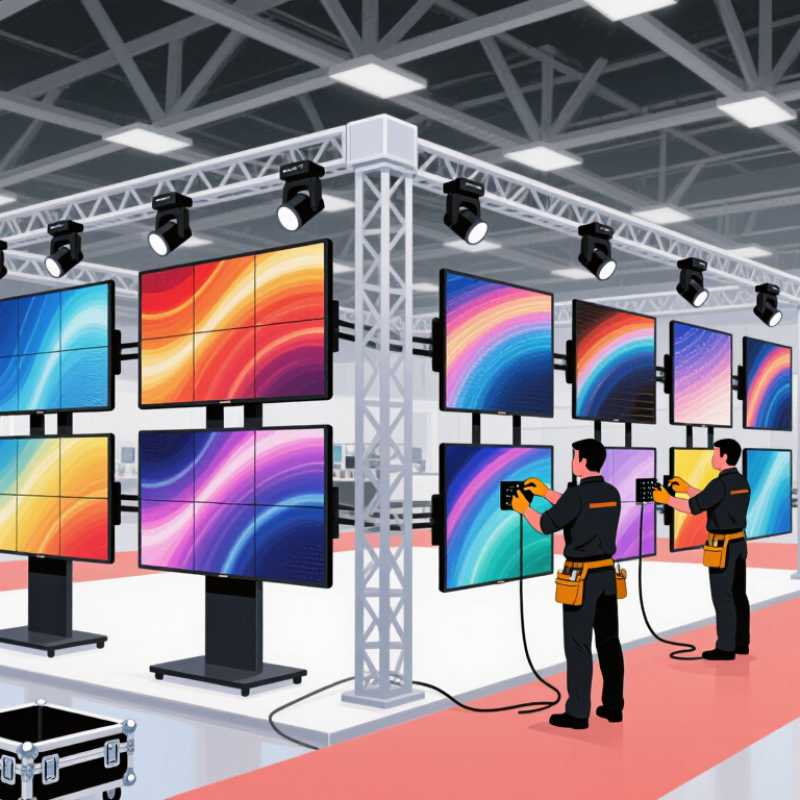
| 500 × 500 mm cabinet format | A cabinet with nominal external dimensions of 500 × 500 mm, with compatible hanging, stacking, alignment, and locking hardware. | The compact format can make screen layouts easier to adapt to different stage widths and heights. It can also simplify transport and handling compared with larger cabinet formats, depending on cabinet weight and packing. | Are the cabinet dimensions exact? Can 500 × 500 mm units connect with other cabinet sizes in the same product system? What are the cabinet weight and setup limits? | Request dimensioned drawings, cabinet weight, connection details, and a sample assembly. Confirm that mixed sizes do not create unsupported joins or visible alignment differences. |
| Pixel pitch and viewing distance | Pixel pitch should suit the expected audience distance, content, and budget. Smaller pitch provides more pixels across a given screen area but does not by itself guarantee better image quality. | A 500 × 500 mm cabinet can use different pixel pitches; its physical size does not determine resolution. Selecting an appropriate pitch helps balance image detail, cost, and viewing conditions. | What is the exact pixel pitch and cabinet resolution? Can the supplier provide a close-viewing sample and pixel-level inspection results? | Compare the stated pitch, resolution, and measured viewing performance for the same content and brightness settings. Avoid choosing by pitch alone. |
| Outdoor protection and IP65 | Ask whether IP65 applies to the front, rear, or both sides, and request test documentation for the actual assembled cabinet or product configuration. | Under IEC 60529, the first digit 6 indicates dust-tight protection; the second digit 5 indicates protection against water jets. IP65 does not mean the screen is waterproof for immersion or suitable for every weather condition. | Which sides are rated IP65? Does the rating cover connectors, seams, and the installed configuration? What precautions are required for power, drainage, and maintenance? | Check the rating on the datasheet and supporting test report. Do not assume that an IP65 front face means the rear and all connections are also IP65. |
| Indoor or outdoor application | Choose the product configuration for the installation environment, including ambient light, exposure to rain or dust, and expected operating conditions. | Outdoor rental screens generally need higher brightness and suitable environmental protection. Indoor screens may prioritize close-viewing image quality and lower operating brightness. | What brightness range and operating conditions are specified? Are brightness and protection claims documented for the exact model being quoted? | Match the specification to the venue and event plan. Verify that the proposed product is intended for the actual environment rather than relying on a generic product description. |
| Rental assembly and serviceability | Look for secure quick locks, repeatable alignment, accessible service points, and clear procedures for replacing modules or power and data components. | Rental equipment is repeatedly assembled, dismantled, transported, and serviced. A maintainable design can reduce setup delays and simplify repairs between events. | Can front or rear service be performed? Which spare parts are interchangeable? Are setup instructions and maintenance procedures supplied? | Request a hands-on assembly demonstration and confirm access to spare modules, power supplies, cables, and other replaceable components. |
| Control, calibration, and compatibility | Confirm the required receiving and sending equipment, supported signal workflow, configuration files, and calibration process for the proposed screen. | Compatible control equipment and consistent calibration help the screen operate as one image and make replacement cabinets easier to integrate during a rental job. | What control equipment is required? Are configuration files included? How are brightness and color differences managed between cabinets? | Ask for a full-screen test using the intended control setup and content. Confirm the exact equipment list and compatibility before ordering. |
| Quality assurance and documentation | Request a written datasheet, inspection records, warranty terms, installation guidance, and any applicable conformity or environmental test documentation. | Clear documentation makes it easier to verify claims, plan installation, maintain equipment, and resolve issues during a rental project. | Are specifications tied to a specific model and revision? What do the warranty and service response terms cover? | Compare written documents with the delivered product and quote. Treat unsupported performance claims as unverified. |
| Supplier capability and delivery support | Evaluate the supplier’s ability to provide consistent production, spare parts, technical support, export packing, and delivery schedules. | For rental fleets, repeat orders and timely access to compatible replacement parts can matter as much as the initial screen specification. | What is the quoted production and dispatch schedule? How are spare parts supplied? Is technical support available during installation? | Check references for comparable rental projects, confirm lead times in writing, and agree on spare-parts quantities and support arrangements. |