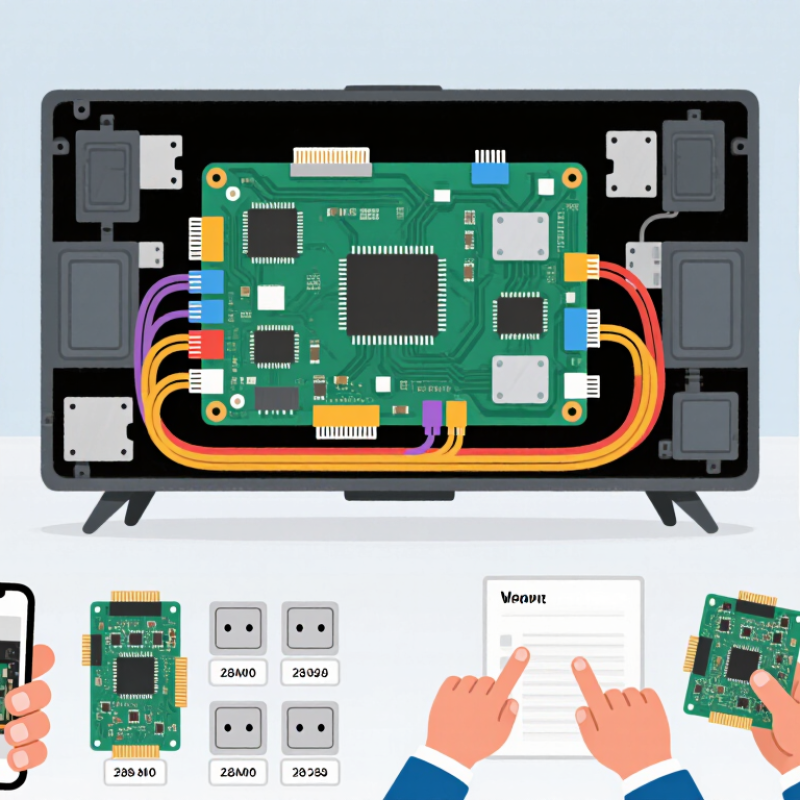
| Board type | A universal TV board is a replacement control board designed to work with a range of compatible television panels or configurations. | Confirm whether the board is a main board, power board, or combined board. | These board types perform different jobs and are not interchangeable just because they are described as universal. |
| Main-board functions | The main board processes incoming signals and coordinates functions such as picture, sound, tuning, and external inputs. | Compare required features, including tuner support, audio output, network connectivity, and available input ports. | A board may physically fit but lack a feature needed by the television. |
| Panel compatibility | The display panel has specific electrical and signal requirements that the board must support. | Check the panel model number, resolution, interface type, connector arrangement, and panel voltage requirements. | Incorrect panel settings or signal compatibility can result in no picture, distorted images, or possible damage. |
| Connector layout | Boards use connectors for the panel, speakers, buttons, remote sensor, and other components. | Compare connector type, pin count, orientation, and location with the original board and the television’s wiring. | Similar-looking connectors can have different pin assignments or carry different signals. |
| Power requirements | The board must receive the correct supply voltages from the TV’s power system. | Verify the specified input and output voltages and the power-board connection details. | Voltage or wiring mismatches can prevent operation and may damage components. |
| Firmware and configuration | Firmware and setup options tell the board how to operate with a particular panel and television configuration. | Ask whether the board needs model-specific firmware, panel selection, or configuration after installation. | A compatible board may still need the correct settings to produce a stable image and enable the expected functions. |
| Physical fit | The replacement must fit the TV’s mounting points and internal space. | Compare board dimensions, screw locations, shielding, and clearance from nearby components. | A board that cannot be securely mounted or safely cleared may not be suitable. |
| Original board identification | The original board’s printed part number and revision provide useful compatibility information. | Record the complete part number and revision; also note the TV model and panel model before ordering. | Matching only the TV’s screen size or exterior model name is not enough to confirm compatibility. |
| Installation and safety | Board replacement involves internal electronics and, in some cases, hazardous stored voltage. | Disconnect the TV from power and follow the manufacturer’s service guidance; use a qualified technician when unsure. | Safe handling helps reduce the risk of electric shock, electrostatic damage, and installation errors. |
| Final compatibility check | “Universal” describes a range of supported configurations, not compatibility with every television. | Confirm panel, connectors, voltages, firmware, physical fit, and required features with the supplier before purchase. | A complete match is more reliable than relying on the word “universal” alone. |