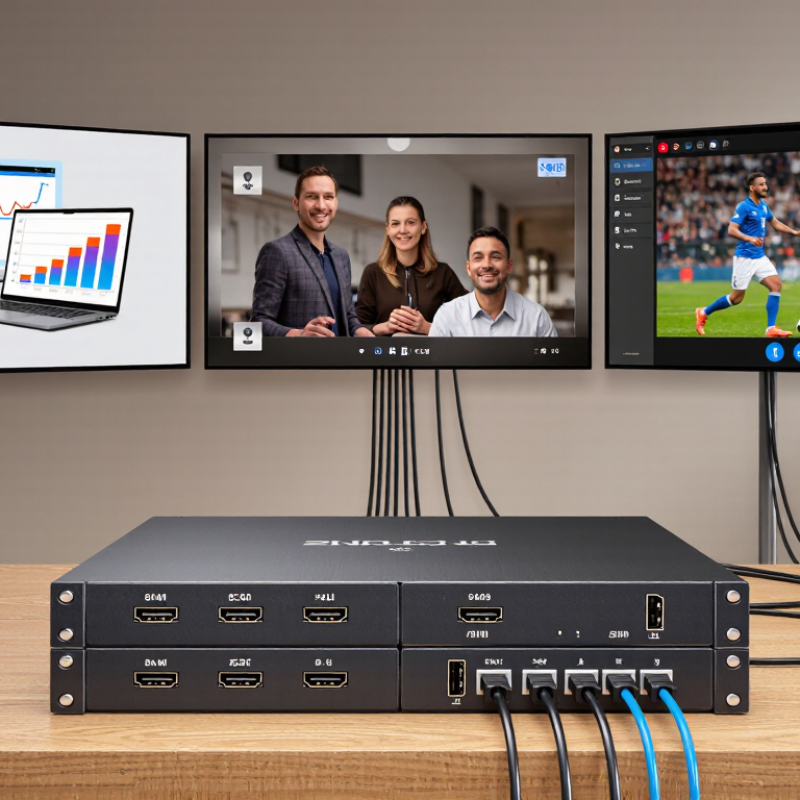
| Home entertainment | Streaming device, game console, Blu-ray player, cable or satellite receiver | Living-room TV, bedroom TV, projector, patio display | Send a movie source to the living-room TV while routing a game console to another display. | Allows connected displays to select from multiple sources independently, subject to the matrix’s supported routing features. | Check supported resolution, refresh rate, HDR formats, HDCP version, and whether audio can be routed or extracted as needed. |
| Home office or small meeting room | Work laptop, desktop computer, document camera, video-conferencing system | Conference-room display, presentation screen, confidence monitor, local desk display | Show a presentation on the main screen while keeping a separate computer output on a preview display. | Reduces repeated cable changes and can provide flexible source selection for more than one screen. | Confirm laptop connectivity and any required adapters. For long cable runs, check whether the system needs active cables or HDMI extenders. |
| Office or training space | Presenter laptop, room PC, media player, video-conferencing system | Main display, secondary display, instructor monitor, overflow-room screen | Route training content to selected screens and direct a conferencing source to a room display. | Centralized switching can simplify multi-screen presentations and support different source-to-screen assignments. | Plan control access, cable paths, audio routing, and compatibility with room control systems before installation. |
| Retail or hospitality venue | Digital signage player, TV receiver, promotional media player, local computer | Displays at a service counter, lounge, dining area, or entrance | Distribute selected promotional or entertainment sources to different screens in the venue. | Offers more flexible source distribution than connecting each screen directly to a single player. | Verify that the chosen unit supports the required operating hours, content formats, control method, and cable distances. |
| Commercial control or demonstration space | Workstations, playback devices, test equipment, presentation computer | Operator monitors, demonstration displays, client-viewing screens, projection system | Switch among several source devices and assign them to different displays for demonstrations or monitoring. | Consolidates source-to-display connections in one system and can make changes without physically reconnecting cables. | Confirm whether simultaneous outputs, video-wall functions, scaling, or independent audio control are required; these features vary by model. |